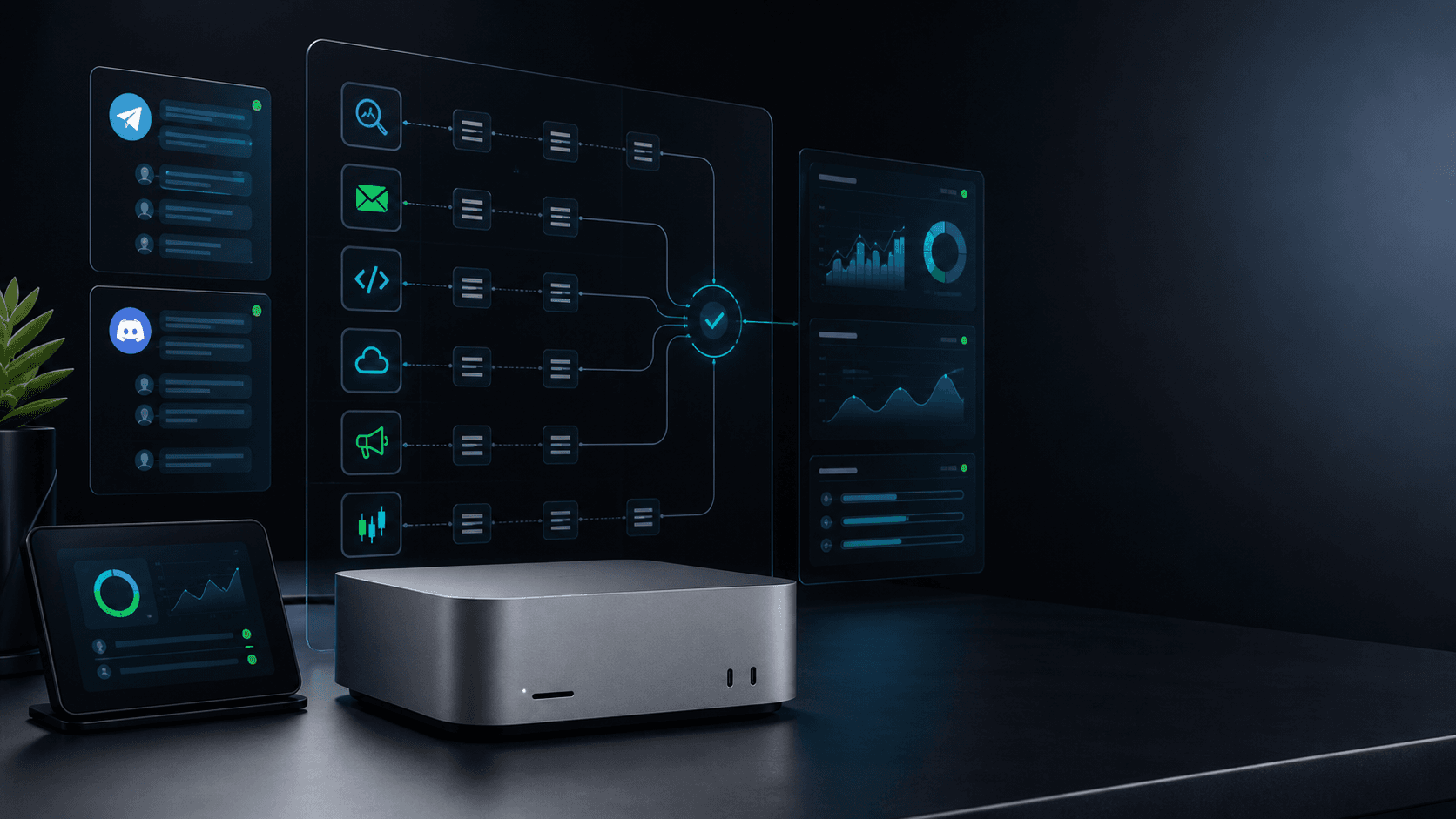
Dedicated Mac mini AI operator workstation
Back to the setup offer
Coding and deployment AI operator

Give every release its own operator.

I set up a dedicated Mac mini AI operator that ships scoped changes, fixes CI, watches deploys, runs browser QA, checks production, and writes the receipt before anyone calls it done.

20-second reserve

Claim a founder install

10
left
0 of 10 founder installs claimed0%

Want to send the details now? The full application is below. Priority is reviewed before invoicing.

6
Release loops
18
Operator tasks
10
Founder slots
$100
Monthly upkeep

The real bottleneck

AI can write code. The hard part is finishing the release.

A lot of founders already use AI to draft a component, explain an error, or generate a function. Then the work gets sticky: finding the right file, preserving local patterns, writing the test, running the build, watching CI, waiting for deploys, opening production, checking mobile, and explaining what changed.

That is what this operator handles. It is not just a coding chat. It is a dedicated environment with your repo, browser, deployment tools, smoke checklist, and source-of-truth reporting loop.

The first win is usually boring on purpose: a small feature, a failing check, a production smoke test, or a release receipt that your team can trust. Boring releases compound.

What the first install does

  • A private release runbook for your repo, deployment target, environments, smoke URLs, and owner review boundary.
  • A dedicated Mac mini with browser sessions, local repos, CLI tools, and the release checks your workflow needs.
  • Telegram or Discord access so you can ask for scoped fixes, deploy checks, browser QA, and release notes in plain English.
  • A first release loop such as small feature shipping, CI failure recovery, production deploy watch, or browser QA.
  • Verification rules that require tests, builds, live URL checks, screenshots, or explicit blocked-state reports before status changes.
  • Monthly maintenance so prompts, scripts, smoke targets, repo assumptions, and deployment checks do not drift.

The playbook

Six release loops your bot can run without losing the receipts.

Each loop starts supervised. The operator gathers context, runs the verifier, records evidence, and tells you where owner judgment is still required.

01

Small feature shipping

Tiny product improvements pile up because every change still needs context gathering, code edits, tests, copy, deploys, and follow-up notes.

A feature-shipping operator that takes one bounded feature, follows the repo pattern, writes the focused verifier, builds locally, and prepares the release receipt.

  • Scope the smallest useful change
    Read the current source, identify the narrowest route, component, or workflow change, and write a short implementation checklist.
    The bot does not touch unrelated files or broad refactors unless the owner explicitly asks.
  • Ship with a focused verifier
    Add the test or compile check that proves the new behavior, watch it fail, implement the change, then run it green.
    No feature is called ready without fresh test, build, or type-check evidence.
  • Create the release receipt
    Summarize changed files, commands run, deploy state, live URL, screenshots, and any remaining risks.
    Owner-facing status separates verified facts from recommendations.
02

CI failure recovery

A failing check can cost an entire morning when someone has to find the run, read logs, reproduce locally, and decide whether to patch or roll back.

A CI recovery operator that watches failed runs, pulls the relevant logs, reproduces when possible, fixes the smallest cause, and reports the verifier.

  • Read the failing check
    Inspect the CI run, identify the failed job, summarize the error, and map it to the likely code or environment boundary.
    The bot records the CI URL and does not guess from partial logs when the failure source is unclear.
  • Reproduce before patching
    Run the closest local command, confirm the failure when possible, then make the smallest source or config change.
    If the failure cannot be reproduced locally, the bot labels the fix as best-effort and keeps rollback options visible.
  • Watch the retry
    Push or prepare the patch, monitor the next CI run, and report pass, fail, or blocked state with exact evidence.
    A CI issue is not closed until the relevant run or agreed fallback verifier is green.
03

Production deploy watch

Teams celebrate after a push, but the real work is confirming the deploy completed, the right image is live, and the public page behaves.

A deploy-watch operator that follows GitHub Actions, Kubernetes rollout, image tags, live HTTP checks, metadata, and form endpoints after every release.

  • Track the deploy pipeline
    Watch the GitHub Actions run, capture the final status, and link the run to the commit that should be live.
    The bot reports failed, skipped, queued, and timed-out deploys instead of assuming production updated.
  • Verify the live deployment
    Check Kubernetes ready replicas, deployed image tag, public HTTP status, expected copy markers, and critical API endpoints.
    Production verification must include live-domain evidence, not only local build output.
  • Record rollout evidence
    Write a release record with run URL, image, smoke results, screenshot paths, and next action if anything failed.
    The bot keeps deployment receipts in the source of truth so future operators can audit the timeline.
04

Browser QA and visual smoke

Responsive bugs, broken forms, missing metadata, and console errors often survive because nobody wants to manually check every important viewport.

A browser QA operator that opens the live route, checks desktop and mobile layouts, captures screenshots, inspects metadata, and reports console errors.

  • Smoke the live route
    Open the production URL, confirm visible page markers, inspect forms and links, and check the console for errors.
    The bot distinguishes local server health from production health and records which target was tested.
  • Check mobile layout
    Run a mobile viewport pass for horizontal overflow, clipped text, sticky-form overlap, and CTA visibility.
    Screenshots are captured before layout is described as usable.
  • Validate metadata
    Inspect title, description, canonical, Open Graph, Twitter card, JSON-LD, and sitemap coverage.
    SEO checks report exact missing fields instead of hand-waving that metadata exists.
05

Dependency and warning cleanup

Stale packages, noisy build warnings, and framework drift quietly make every future deploy harder.

A maintenance operator that checks package warnings, updates one bounded dependency set, builds locally, and records whether the warning changed.

  • Inspect package drift
    Review dependency warnings, lockfile state, framework notes, and known upgrade blockers before changing anything.
    The bot avoids broad dependency churn unless the owner approved that maintenance window.
  • Apply a bounded update
    Update the chosen package or data file, preserve lockfile consistency, then run the focused build or lint command.
    Every package change includes a rollback note and a reason for the chosen version.
  • Report warning status
    Compare before and after output so the owner knows whether the warning disappeared, moved, or stayed blocked.
    No warning is marked fixed unless the fresh command output proves it.
06

Incident cleanup and release notes

After something breaks, the team needs the timeline, impact, fix, verification, and customer-safe wording while everyone is still scattered.

An incident cleanup operator that gathers the timeline, identifies the fix path, verifies recovery, and drafts internal plus customer-facing notes.

  • Build the incident timeline
    Collect alerts, deploys, commits, logs, affected URLs, and owner actions into a chronological summary.
    The bot labels unknown impact clearly and does not invent customer-facing certainty.
  • Verify recovery
    Run the agreed smoke checks, compare before and after symptoms, and capture production evidence that the fix is live.
    Recovery is not reported until the live symptom is checked, not just the patch merged.
  • Draft release notes
    Turn the fix, risk, and verification into concise internal notes and optional customer-safe update copy.
    Public notes avoid blame, speculation, and unapproved operational detail.

Experience matters

I am selling the release discipline around the model.

The model is only one part of the system. The useful part is the operator loop around it: reading the repo, choosing a small scope, running the command, checking the browser, watching production, and writing the truth down.

I have 25+ years of software experience across enterprise systems, SaaS products, infrastructure, and AI-native apps.

I built and ran a 7-figure consulting company where shipping reliable client work mattered more than clever demos.

I launched 40+ SaaS products and internal tools, including the deployment, QA, support, and marketing loops around them.

I already use this operator pattern for this campaign: code changes, tests, builds, GitHub Actions, Kubernetes rollout checks, production smoke, screenshots, and Obsidian receipts.

Guardrails

Fast code is cheap. Verified releases are the leverage.

Small scope first

The first install targets bounded changes and repeatable release checks before the bot touches larger product work.

Evidence before claims

Tests, build output, CI links, image tags, live URLs, and screenshots are recorded before work is called ready.

Production is separate

Local success is not treated as production success. The operator checks the live route and records what it saw.

Owner review remains

High-risk code, access, billing, security, destructive commands, and public messaging are escalated instead of guessed.

Limited founder queue

I am taking 10 founder installs, not unlimited dev tickets.

The install is $1,000, then $100/month for upkeep. The priority lane is for founders who already know the first release loop matters and want to move ahead after fit review.

Your first release loop mapped before setup.
Your repo, deploy, and smoke-test boundary documented.
Your Telegram or Discord operator interface configured.
Your queue position captured through the same signup system.

20-second reserve

Claim a founder install

10
left
0 of 10 founder installs claimed0%

Want to send the details now? The full application is below. Priority is reviewed before invoicing.

Questions

What founders usually ask before giving a bot repo access.

Will this bot write production code by itself?

The default setup starts with scoped changes, tests, build checks, deploy watch, and human review. Narrow autonomy can be added only after the workflow is proven safe.

Can it work with my GitHub repo and deployment system?

Yes, if you provide access. The first setup documents the repo, commands, CI, deployment target, production URLs, and the exact checks that define ready.

How is this different from using an AI coding chat?

A chat can suggest code. A release operator has a machine, repo context, browser sessions, CLI tools, verification rules, deployment checks, and a receipt trail.

What does it cost?

The founder install is $1,000 to set up and $100/month for maintenance. Priority-lane requests are reviewed for fit before any credited invoice is sent.

More operator installs

Not just releases. The same setup can run the rest of the business.

Founder queue

Reserve one of 10 AI bot installs

10
left

$1,000 setup, then $100/month. Telegram or Discord operator.